A Beginner’s Guide To Programming a CNC Plasma Cutter
Call Cyrious Metal Works at 903-364-6100 for premium metal fabrication tools that check all your boxes.
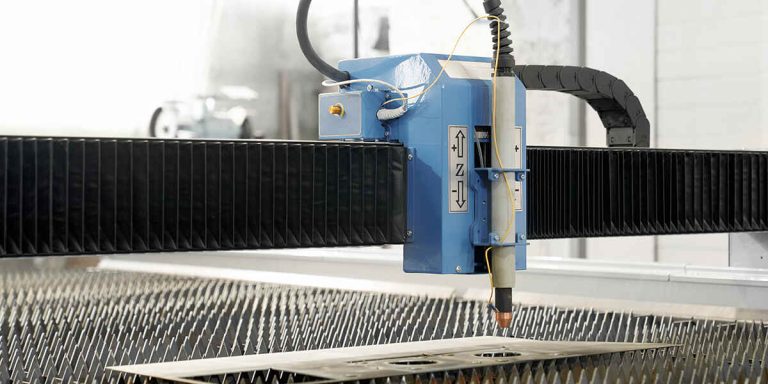
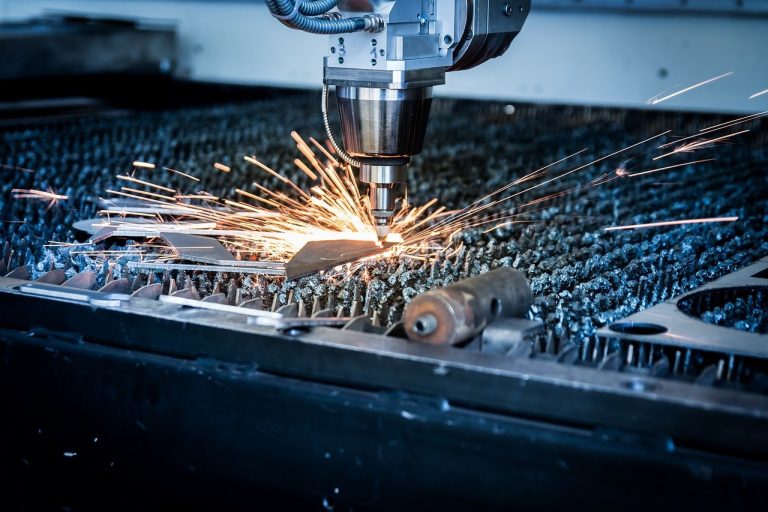
Do you want to know how to program a CNC plasma cutter? The right settings make it easier to produce those precise, intricate cuts that bring your designs to life.
As the go-to provider of Hypertherm CNC plasma cutter equipment, we know how fine-tuning your tool can feel like a challenge at first. Keep reading and start on the right foot.
Demystifying G-Code Programming: The Language of Precision
G-code is like the roadmap for your CNC plasma cutter. It tells the machine where to go and what to do. Master it, and you’ll have precision cutting down to a fine art.
The basic commands include:
- G0 controls rapid movement without cutting.
- G1 controls linear movement with the torch cutting.
- M3 turns the plasma torch on.
- M5 turns the torch off.
- The coordinate system defines movement along the X, Y, and Z axes.
We recommend getting CAM (computer-aided manufacturing) CNC plasma software if it’s your first time working with this type of code. It simplifies the process, cuts down on waste, and improves efficiency.
Programming Your Plasma Cutter Setup
If you want to know how to program a CNC plasma cutter, follow these steps:
Step 1 — Create or Import the Design
Make your layout from scratch or import a pre-made file with CAD software. Take the time to account for every minute detail, including:
- Dimensions and measurements
- Material thickness and type
- Kerf width
- Potential design overlaps or intersections
Save it in a format compatible with your CAM software, usually as a DFX or DWG file.
Step 2 — Generate the Code Through CAM Software
Check your design in the system and adjust plasma cutting parameters like speed, amperage, and pierce height. Never forget to set up lead-ins and lead-outs for nice, clean cuts with fewer hiccups!
CAM software does the heavy lifting and generates the G-code, from torch height control to cutting paths. It never hurts to check the final output, though.
Step 3 — Do a Test Run
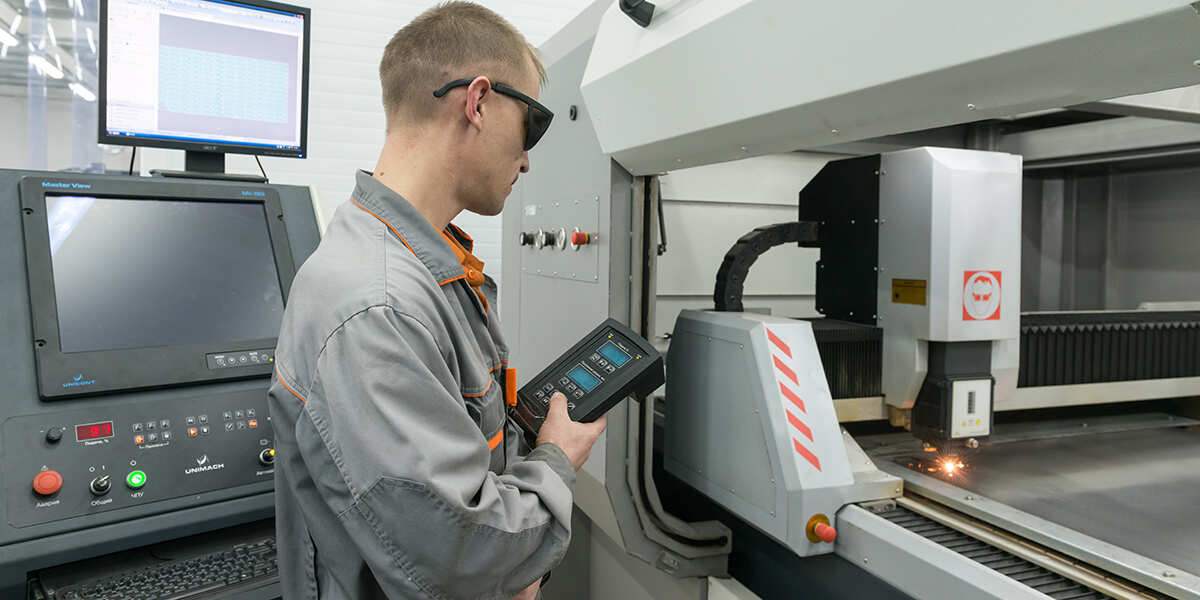
You can transfer the code via a USB drive or network connection, depending on your plasma arc cutting machine. Once it loads into the system, always test it first.
Run the tool along the cutting path with the torch turned off. The last thing you want is to ruin your expensive material with an error.
Step 4 — Start Cutting
Go over your safety checklist first before turning on the machine. Here are some common CNC machine calibration problems and how to address them:
- Jagged edges often indicate the wrong feed rate or cutting speed
- Excessive dross or warped material stems from improper torch height or amperage
- Uneven cuts can result from a dull cutting tip
Your Dependable Source of Plasma Cutting Equipment
If you need more insight on how to program a CNC plasma cutter, Cyrious Metal Works is here to help. We provide top-quality tools, expert support, and even custom fabrication work.
Call 903-364-6100 or read more of our blog and learn why CNC plasma cutting in HVAC is a game-changer.