Common Issues in CNC Plasma Cutting Troubleshooting
For professional help fixing CNC plasma problems, call Cyrious Metal Works at (903) 623-6766 today!
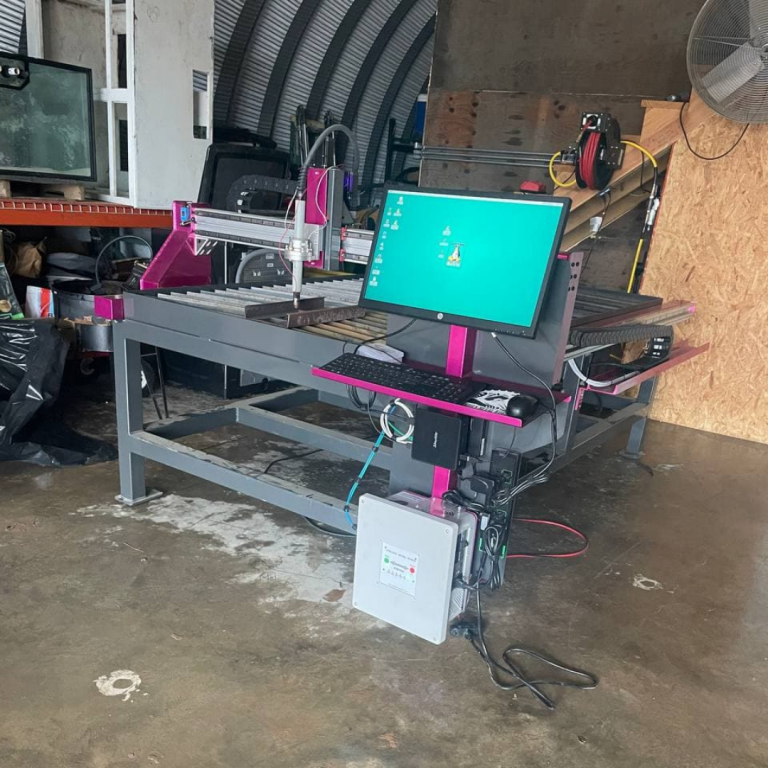
You already know that your CNC plasma table is an important part of your metal fabrication business and needs to stay in good working order. Doing so ensures that you can produce high-quality, precise cuts and stop worrying about downtime.
What happens if that piece of equipment goes wrong, though? In this blog, we draw on our expertise in CNC plasma cutting troubleshooting to lay out how you can fix common plasma cutter errors.
The Plasma Cutting Equipment Doesn’t Work
Suppose your CNC plasma system stops working completely. Often, rebooting it can help solve the problem.
First, shut off all the power. Next, confirm that every connection, lead, and grounding is in place. Your plasma system should start, but if it doesn’t, professional help is your next step.
The Torch Isn’t Firing
Start by checking the front of your CNC plasma system for fault codes. If you find any, refer to the system’s manual on how to resolve it.
Improper ground connection may also be a problem. Attaching the ground from your plasma machine to the material you’re cutting or the ground block on your plasma table sometimes fixes this issue.
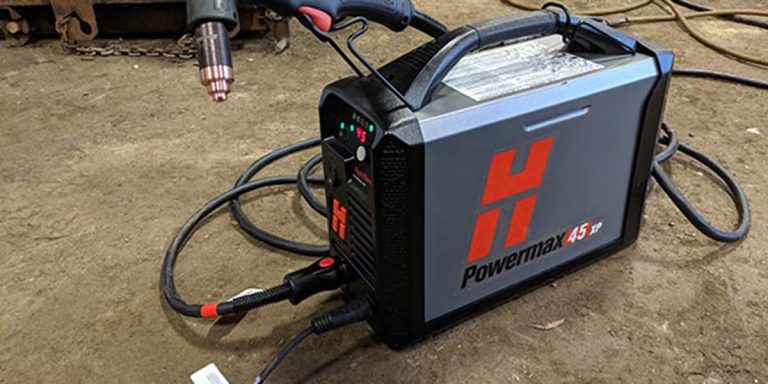
Lots of CNC plasma cutter troubleshooting experts say that torches can also stop firing due to insufficient gas pressure. Check your Hypertherm plasma cutting system to ensure the pressure is between 100 and 110 psi.
You’re Getting Slanted CNC Cuts
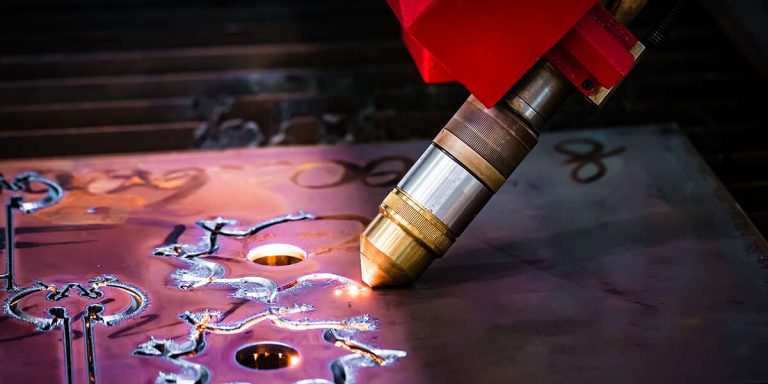
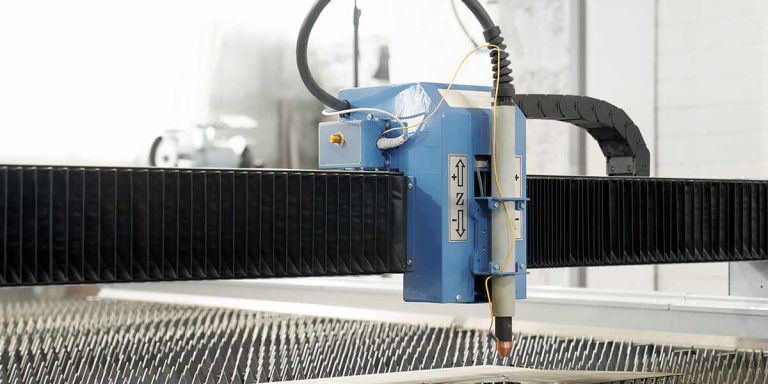
When you expect a 90-degree cut but get something that looks like a wedge, your torch might be sitting too low or too high. Try to adjust the torch a bit to the appropriate height of the material you’re trying to cut.
Improper cut angles may also result from a worn electrode or nozzle that causes the plasma to flow inconsistently. You can solve these plasma-cutting quality issues by simply replacing the worn part.
You might also get imperfect angles when the torch moves too slowly or fast. If so, tweak your settings to find the ideal speed for your plasma-cutting needs.
The Scribe Doesn’t Vibrate
Our list of CNC plasma cutting troubleshooting tips must also cover the scribe. Make sure the dial on the scribe is at 5 so that it vibrates properly.
You should also clean the scribe if it has not been working for some time, as follows:
- Remove the hose.
- Fill the quick connect with mineral spirits.
- Return the hose to its place.
- Run the scribe manually for a couple of minutes.
- Detach the hose again.
- Fill the quick connect with air tool oil.
- Return the hose and run it manually once more to check it.
Blow the scribe out if it still can’t vibrate on 5.
Contact Cyrious Metal Works For More CNC Plasma Cutting Maintenance Tips
Need more information about CNC plasma cutting troubleshooting? Maybe you would like to learn some CNC plasma table basics. You can get all the help you need from experienced professionals like Cyrious Metal Works.
Call us at (903) 623-6766 to schedule a consultation for troubleshooting CNC plasma cutting systems today!